Skip to product information
1 of 9

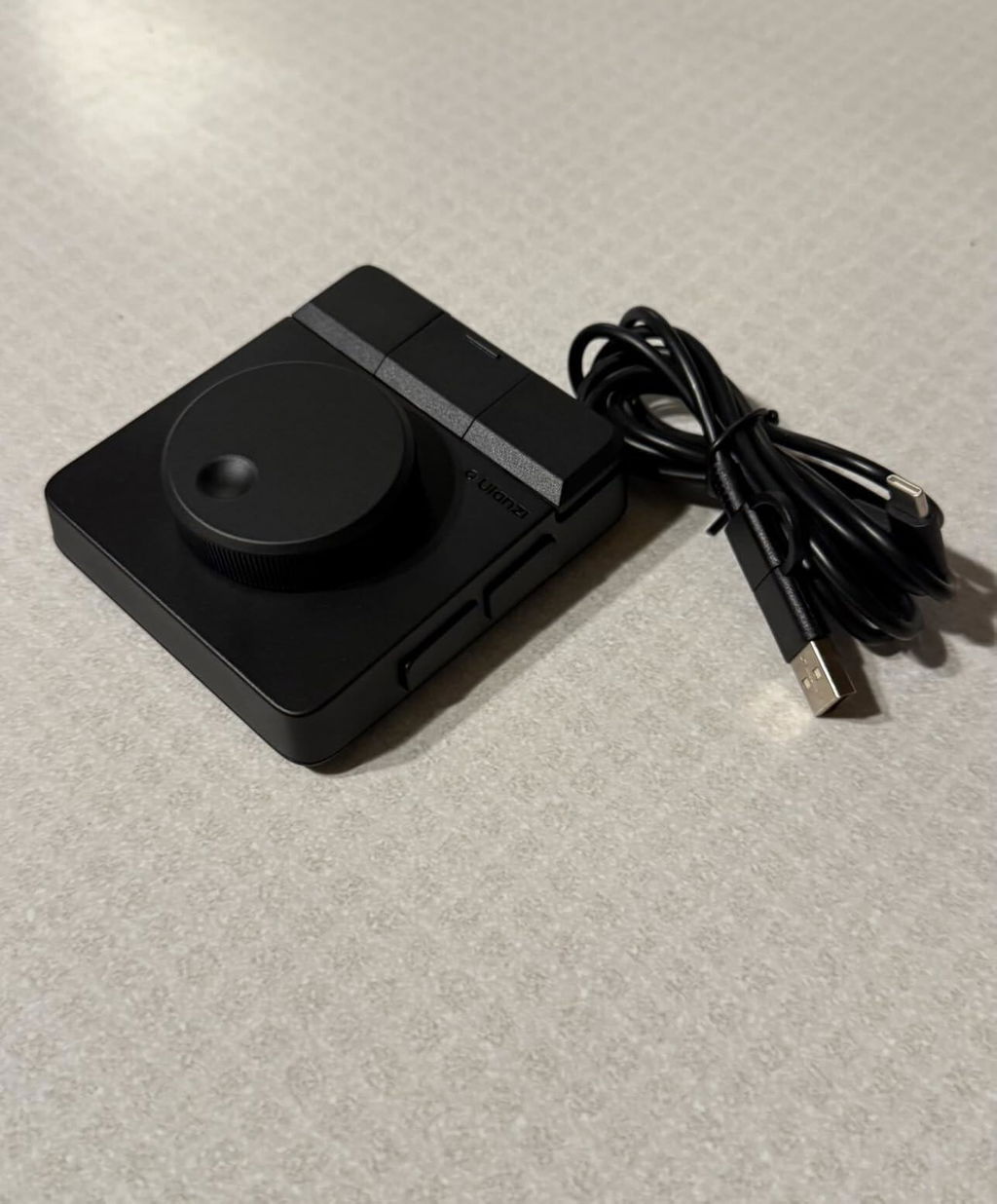
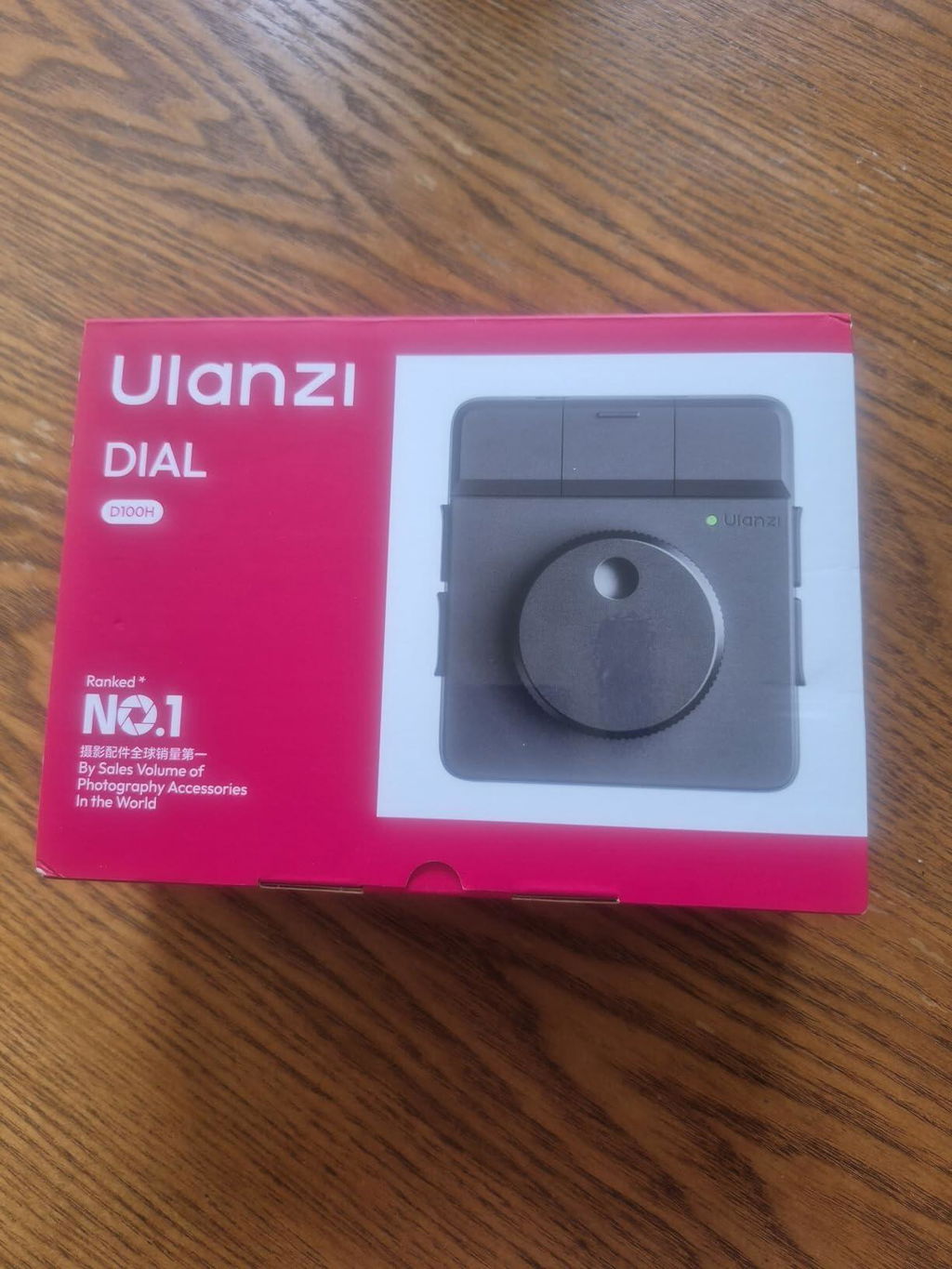
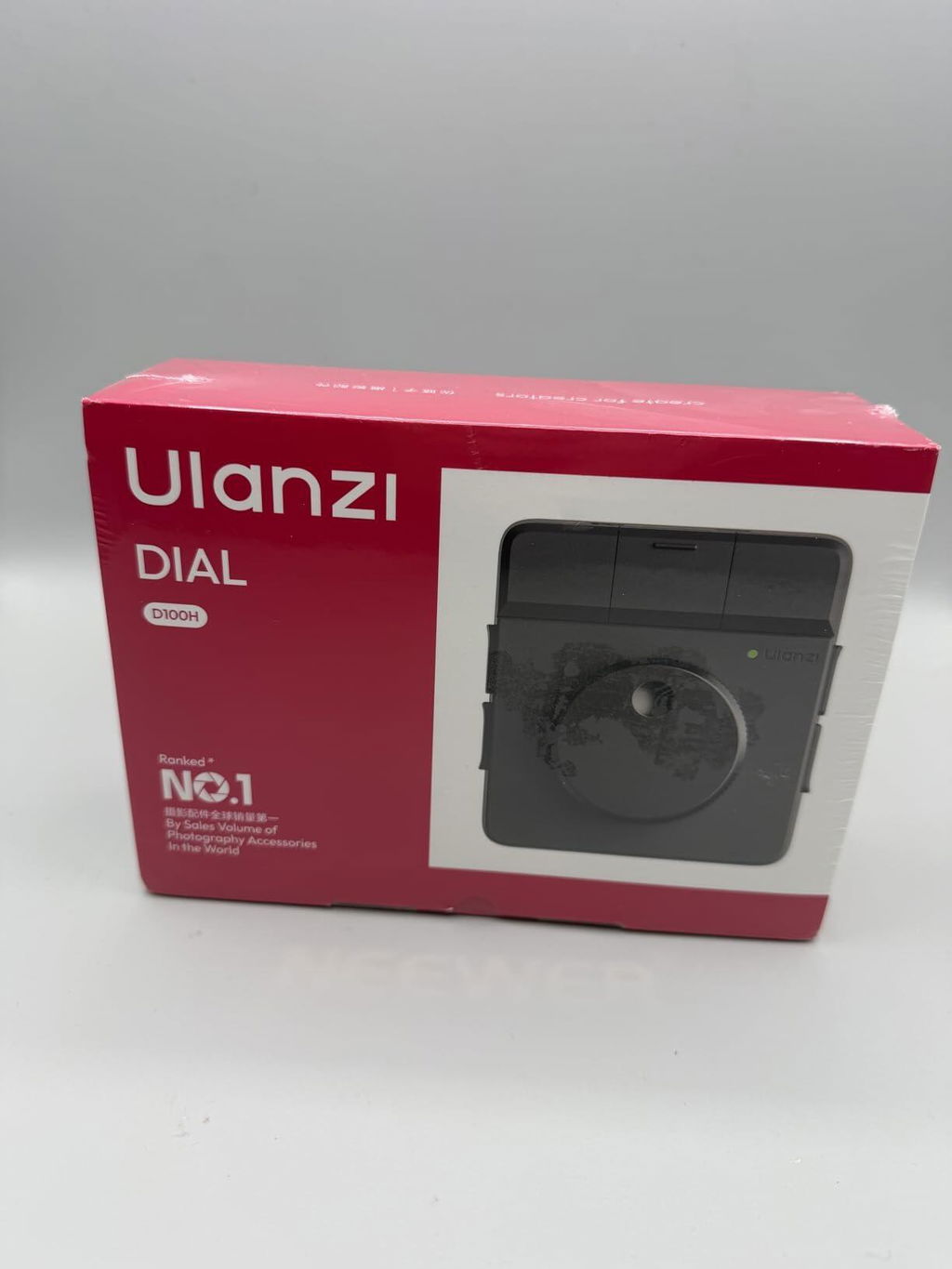
Ulanzi D100H Wireless Video Editing Keyboard with Dial for Mac/PC

Ulanzi D100H Wireless Video Editing Keyboard with Dial for Mac/PC
Regular price Rs. 5,499.00 INR
Regular price Rs. 6,499.00 INR Sale price Rs. 5,499.00 INR
Sale Sold out
Tax included.

Low stock: 4 left

Fast, Free Shipping on 499+

2 days replacement and exchange available

1-Year Warranty

Lifetime Customer Support

Details

About this item

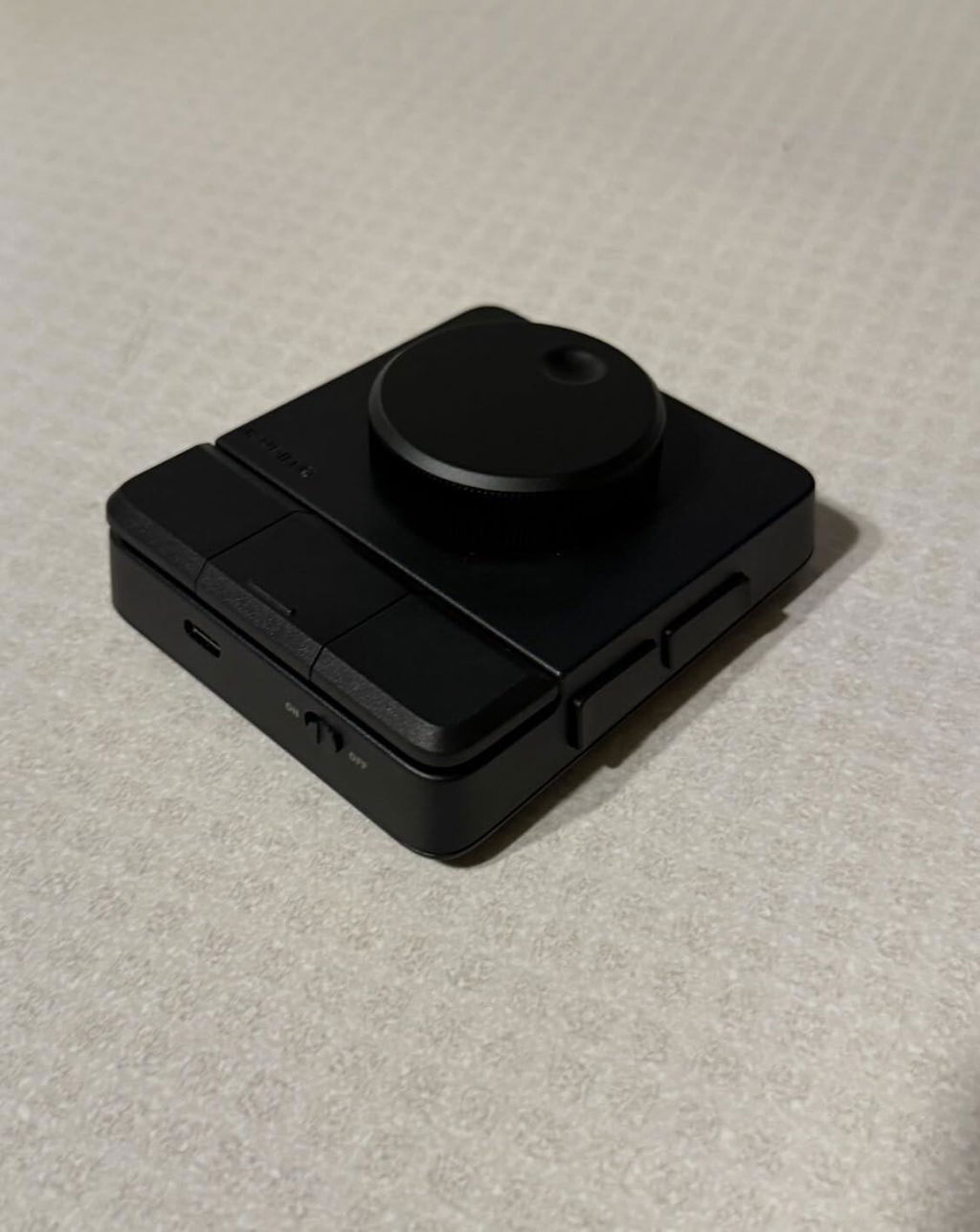
  • 【Professional Video Editing Control】This ULANZI D100H video editing keyboard features a premium aluminum alloy knob with anti-slip texture and motor vibration feedback, delivering precise parameter adjustment for video color grading, timeline editing, and photo retouching—perfect video editing equipment for accurate and efficient creative work.
  • 【Wide Software Compatibility】The ULANZI D100H video editing keyboard fully supports mainstream video & photo editing software, compatible with CapCut, DaVinci Resolve, Final Cut Pro, Adobe Photoshop/Lightroom Classic; ideal video editing equipment compatible with Mac and Windows 10+, no extra configuration needed for one-click use.
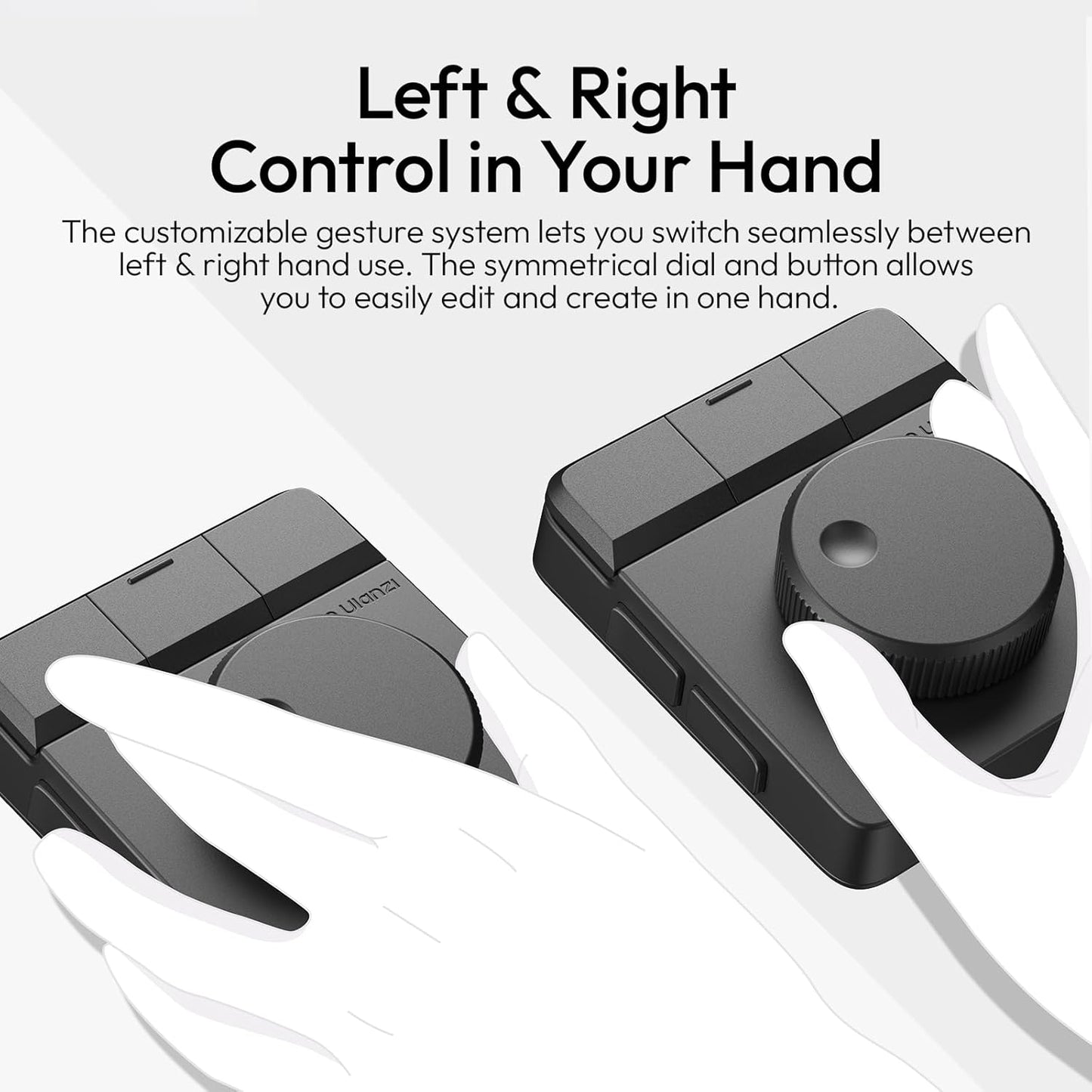
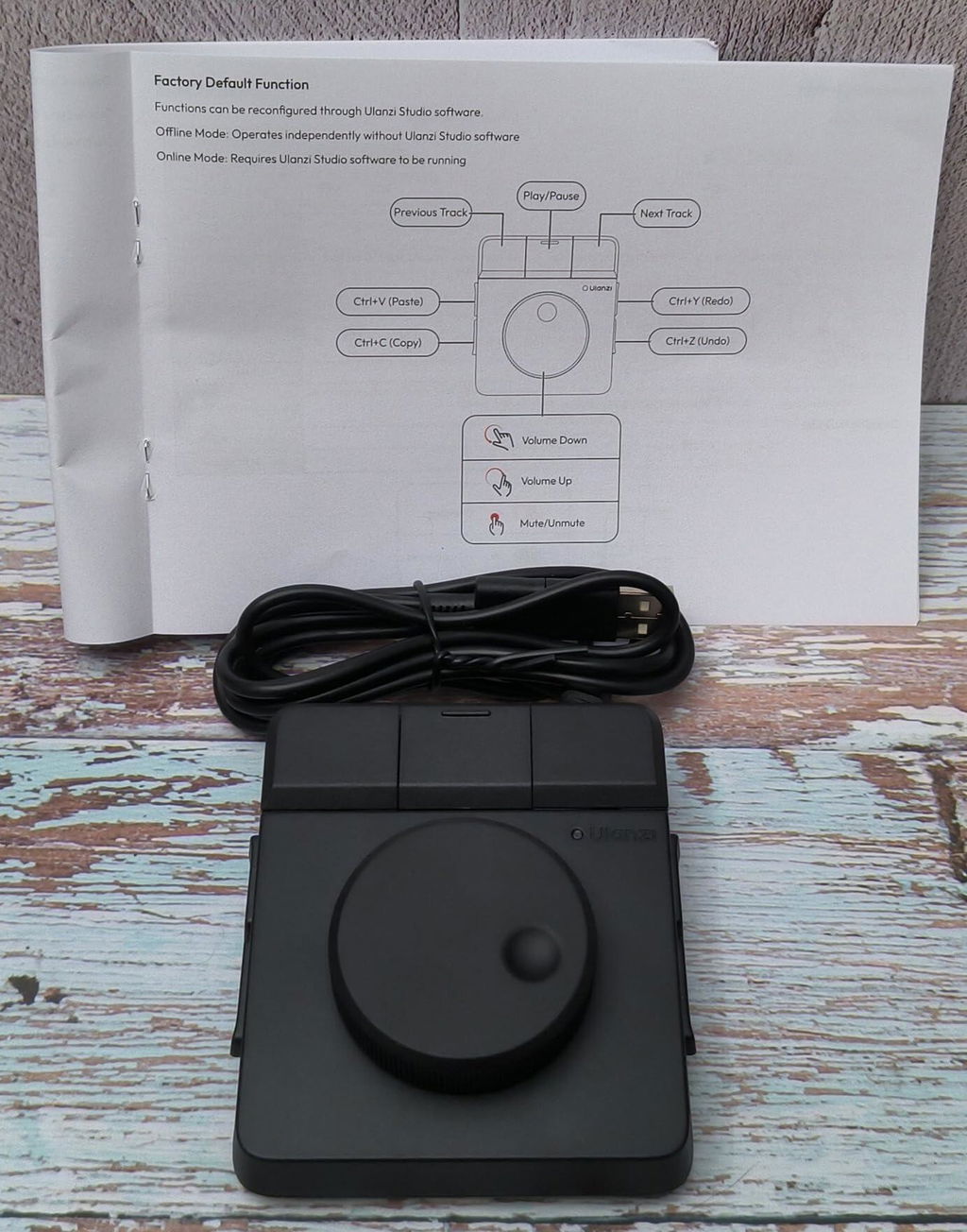
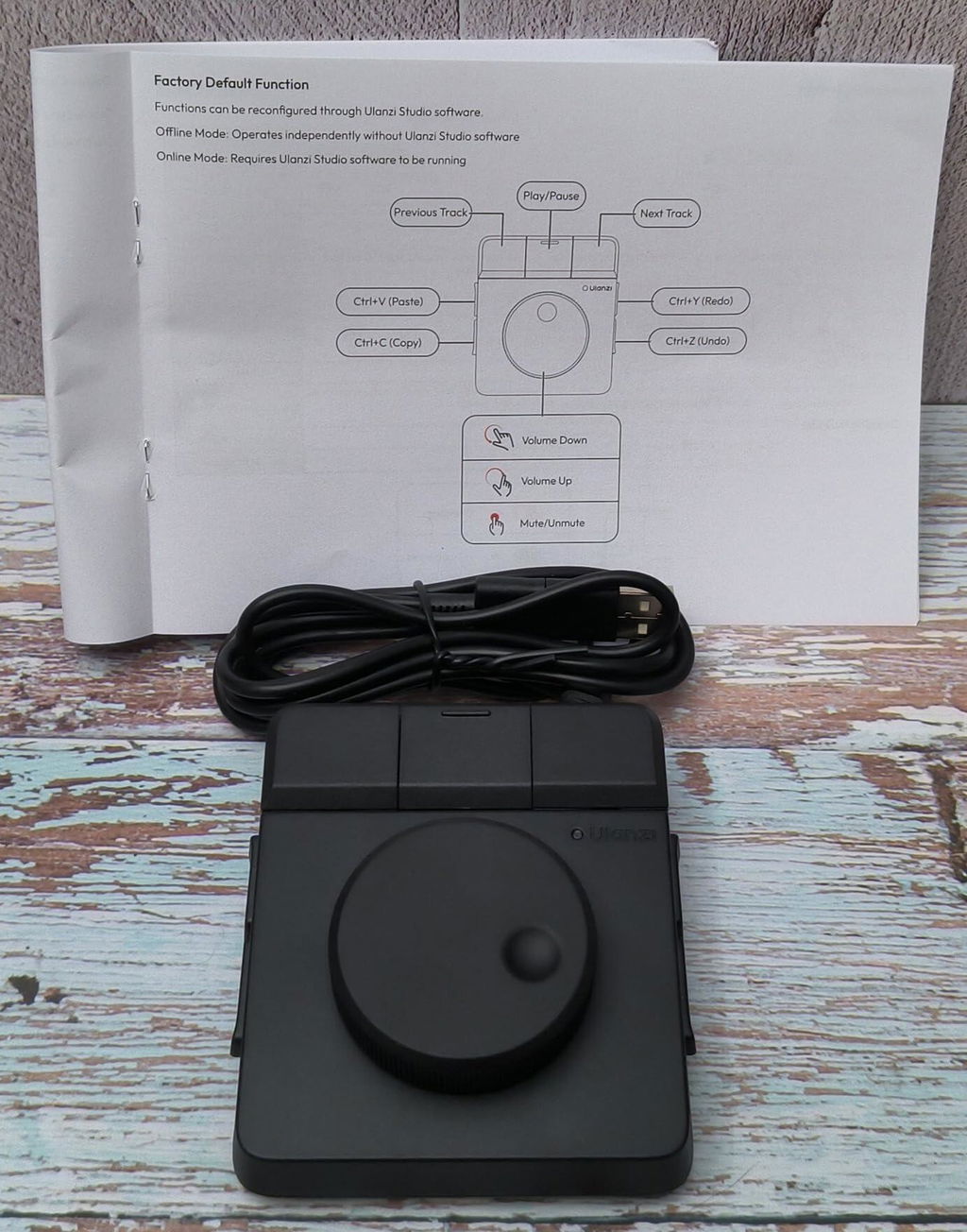
  • 【Dual Working Modes & Customization】The ULANZI D100H video editing keyboard supports offline mode (no software required) and online mode (Ulanzi Studio); 7 customizable buttons + 1 multi-functional knob enable one-hand blind operation, and you can set shortcut combinations for video editing, office, and multimedia control freely.
  • 【Bluetooth 5.1 Wireless Connection】The ULANZI D100H video editing keyboard is equipped with Bluetooth 5.1 technology, transmission distance up to 10M, can connect/switch 3 devices (PC, Mac, iPad) instantly and simultaneously; built-in 1000mAh rechargeable battery, 2.5 hours full charge for 2.5 hours continuous use, low standby power consumption (200uA) for long-time standby.
  • 【All-in-One Creative Assistant】The ULANZI D100H video editing keyboard is not only a professional video editing controller for creators, but also a practical video editing accessory for daily office—supports system volume/brightness adjustment, music control, copy/paste/undo; compatible with ULANZI D200 series to form a "key+knob" creative solution, also supports ULANZI light control.
View Product details
product-img
Ulanzi D100H Wireless Video Editing Keyboard with Dial for Mac/PC
Regular price Rs. 5,499.00 INR
Regular price Rs. 6,499.00 INR Sale price Rs. 5,499.00 INR
Tax included.
Ulanzi D100H Wireless Video Editing Keyboard with Dial for Mac/PC

Brand : Ulanzi

Model Name : ULANZI D100H KEYBOARD

Net Quantity : 1 Pack

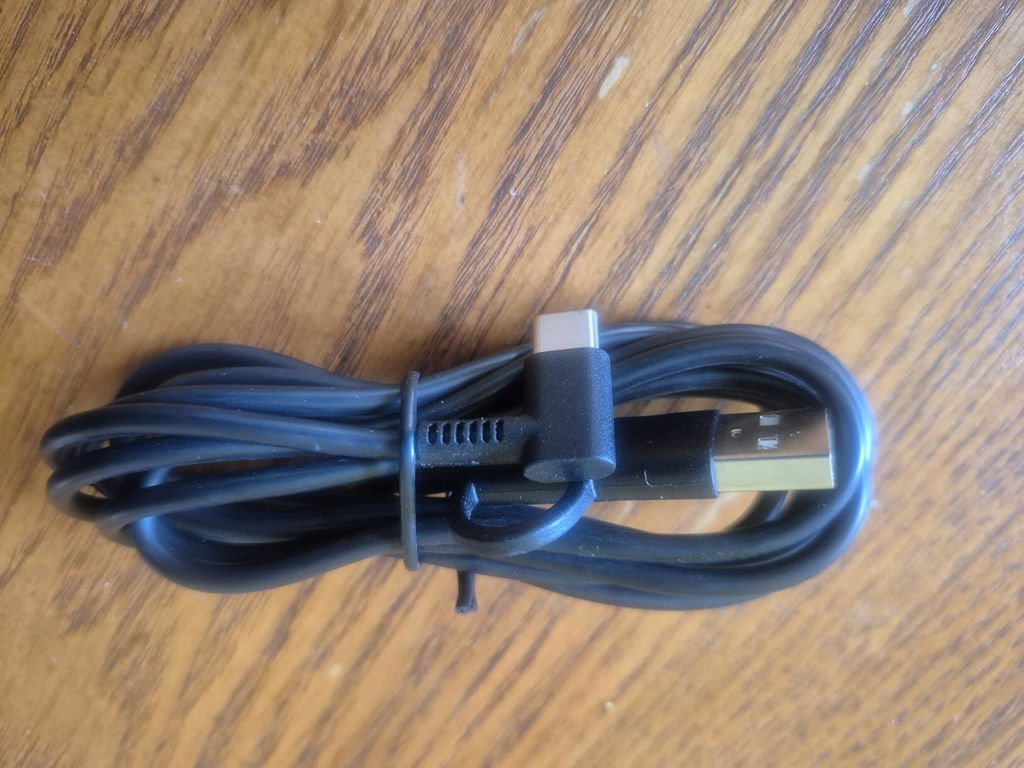
Box Contents : 1 x D100H Keyboard

Email ID : service@ulanzi.co.in

Customer Care No. : +91 8800747240

Manufacturer : Shenzhen Ulanzi Technology Co., Ltd.

Imported & Packed by : Master Digital, 33/06, Industrial Area, Site-2, Loni Road, Ghaziabad, Uttar Pradesh, India-201007

FAQ

Which editing software does this work with?

It supports CapCut, DaVinci Resolve, Final Cut Pro, and Adobe Photoshop/Lightroom Classic, on both Mac and Windows 10+.

How does it connect to my computer?

It uses Bluetooth 5.1 with up to 10m range, and can connect and switch between 3 devices (PC, Mac, iPad) instantly.

Can I customize the buttons?

Yes, it has 7 customizable buttons plus 1 multi-functional knob, letting you set your own shortcut combinations for editing, office, or multimedia control.

Do I need special software to use it?

No, it supports offline mode with no software required, plus an online mode through Ulanzi Studio for more customization.

How long does the battery last?

The built-in 1000mAh battery gives 2.5 hours of continuous use per 2.5-hour charge, with very low standby power draw.
Recently Viewed
  • 5 stars: 38 (90%)
  • 4 stars: 3 (7%)
  • 3 stars: 0 (0%)
  • 2 stars: 0 (0%)
  • 1 star: 1 (2%)
A
Ankit Sharma
One of the Best Editing Accessories

Among the editing accessories I've purchased recently, this is one of the most useful. It offers practical benefits and integrates seamlessly into my workflow.

N
Nikita Das
A Small Device with Big Impact

Size chhota hai lekin productivity par impact kaafi bada hai. Daily workflow mein genuinely difference feel hota hai.
R
Rohan Kulkarni
Perfect for Long Editing Sessions

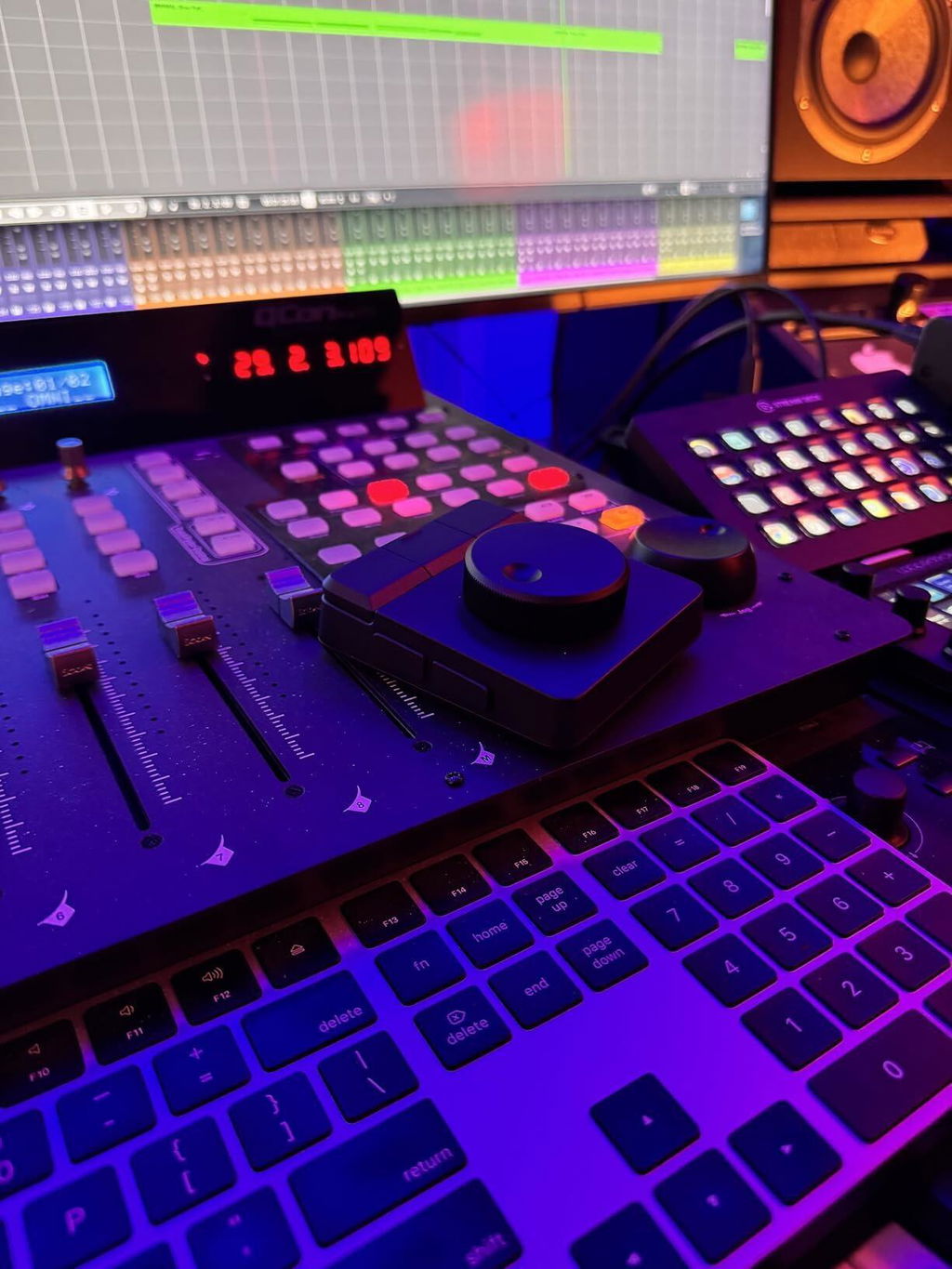
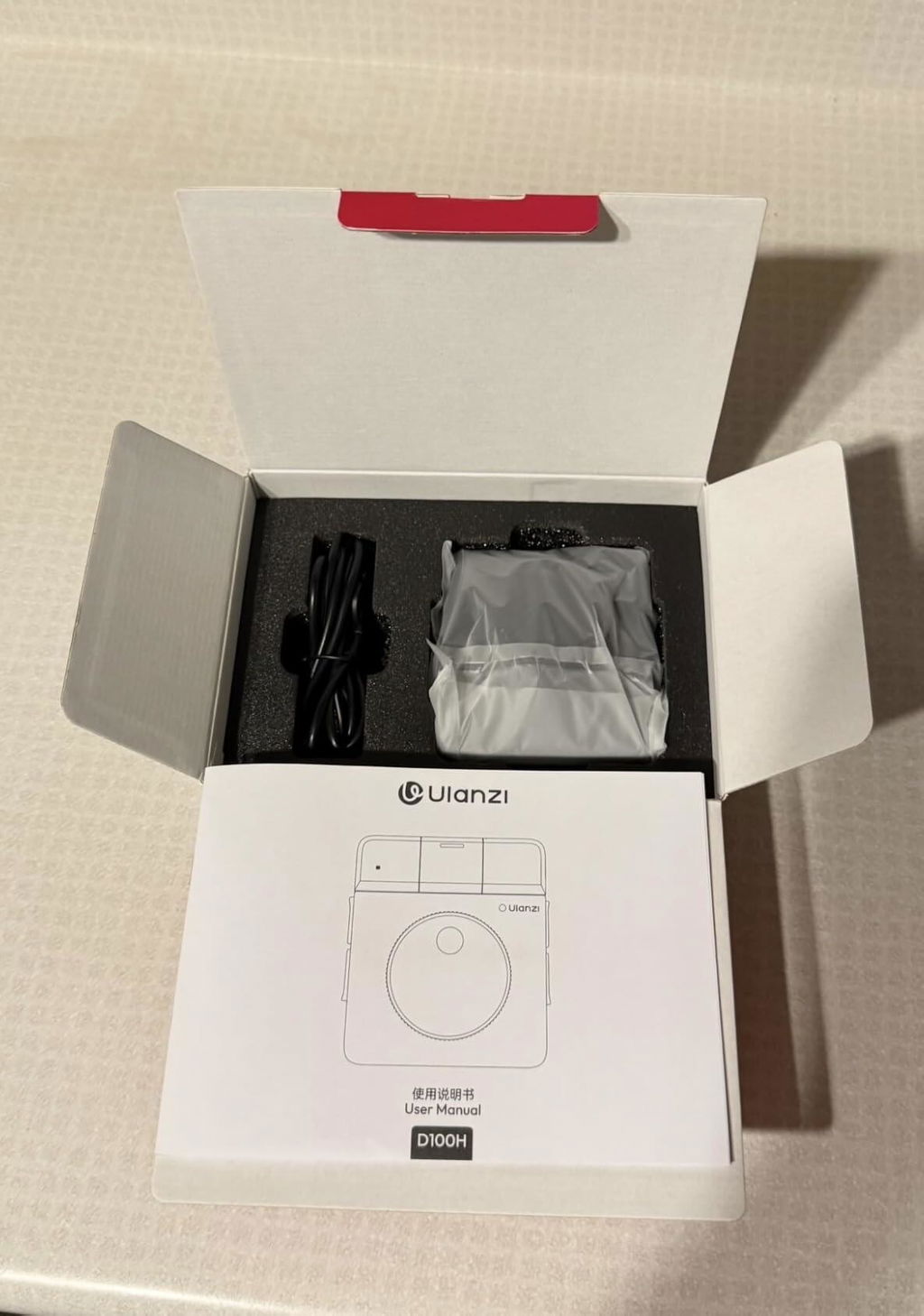
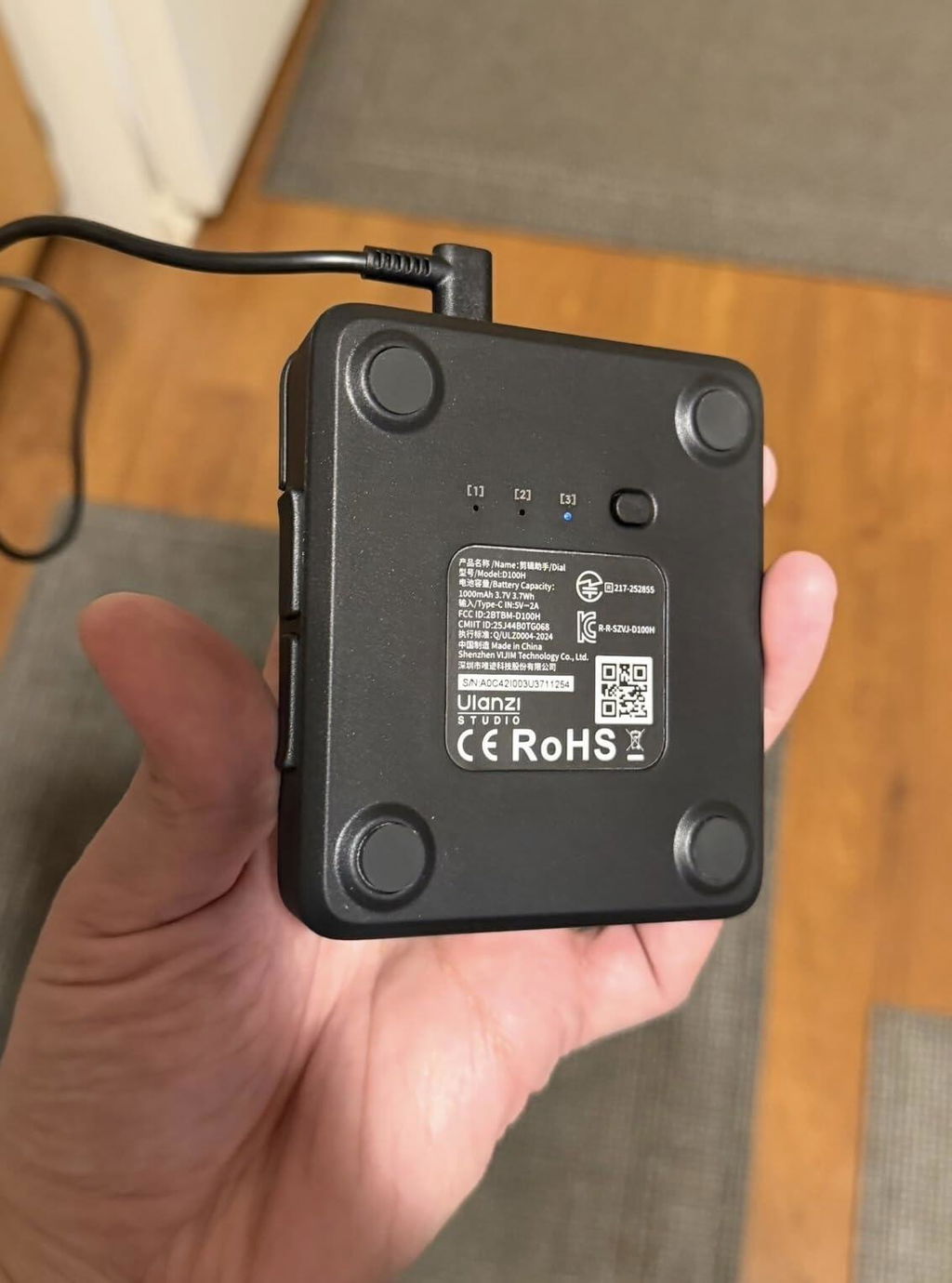
This controller makes extended editing sessions much more comfortable. The shortcuts reduce repetitive movements and improve workflow.
M
Meera Reddy
Professional Feel at a Good Price

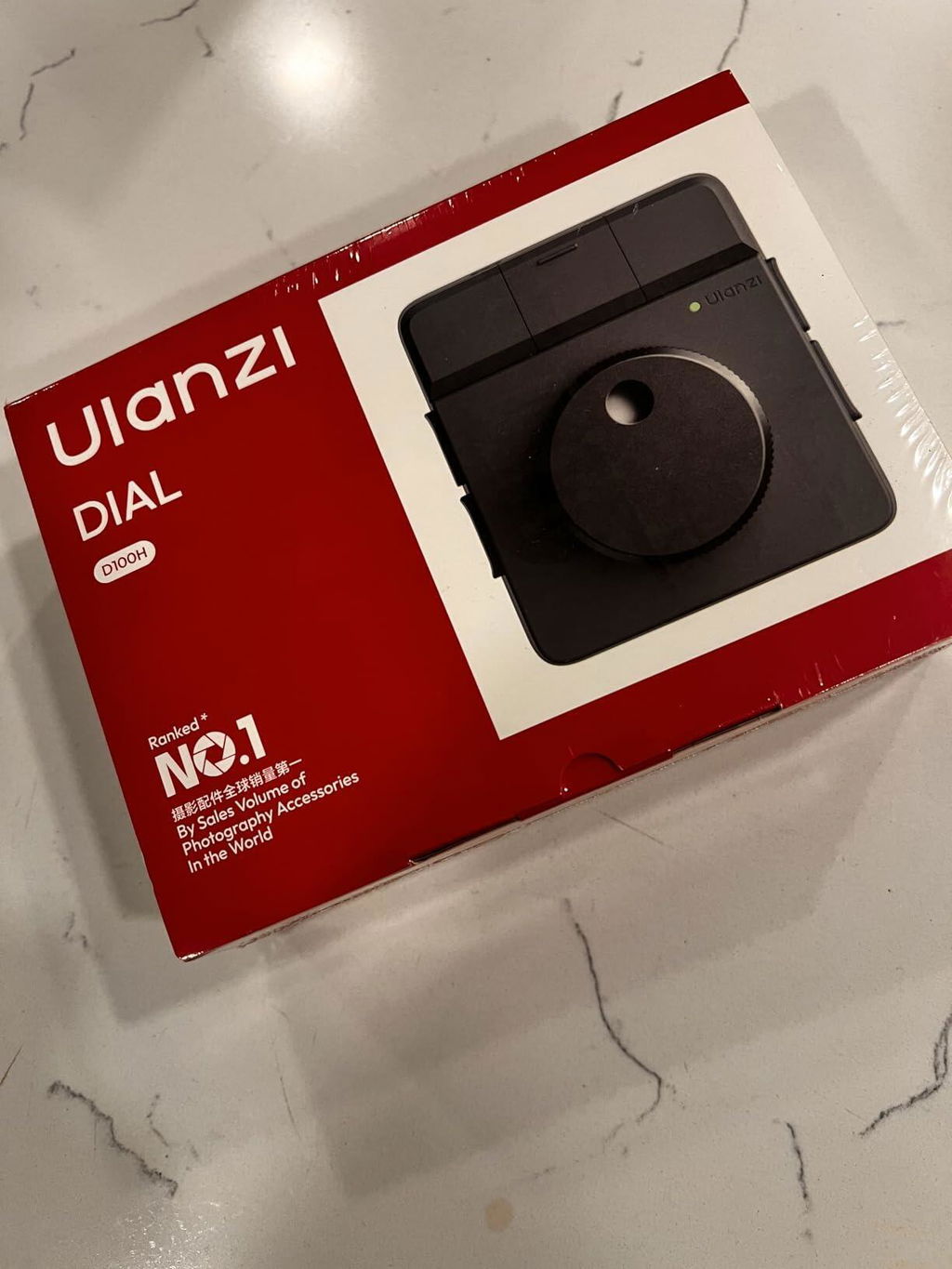
Price ke hisaab se quality kaafi achhi hai. Product premium feel deta hai aur professional setup ka part lagta hai.
T
Tanya Arora
Quality Exceeded My Expectations

The product exceeded my expectations in terms of build quality and functionality. Everything feels well-made and thoughtfully designed.
M
Manish Yadav
Perfect for Freelance Editors

As a freelance editor handling multiple projects, every minute saved matters. This controller has helped me work more efficiently and comfortably.
S
Saurabh Saxena
Great Addition to My Editing Setup

This controller fits perfectly into my editing station. The combination of programmable buttons and the dial creates a much more efficient workflow.

M
Muzaffar .

Don't pay advance they will take ur money and they won't even respond 😠😠😠😠

P
Priti Chawla
Boosted My Editing Efficiency

Meri editing speed pehle se better ho gayi hai. Especially timeline control aur shortcut access ki wajah se kaafi time save hota hai.

A
Ayush Tripathi
Great Alternative to Keyboard Shortcuts

Instead of relying entirely on keyboard shortcuts, I can now perform many actions directly from the controller. It feels more intuitive and efficient.

G
Gaurav Thakur
Solid Build and Reliable Functionality

The construction feels durable and dependable. I've been using it regularly and haven't encountered any performance issues.

K
Komal Jain
Makes Color Grading Easier

Color grading adjustments karte waqt dial kaafi helpful lagta hai. Fine control milta hai aur adjustments zyada natural feel hote hain.

S
Siddharth Roy
Very Convenient Multi-Device Support

Switching between multiple devices is quick and convenient. This feature is particularly useful when working across different systems.

D
Divya Menon
The Haptic Feedback Feels Premium

Dial rotate karte waqt jo feedback milta hai woh premium feel deta hai. Product ki overall quality expected se better lagi.

B
Bhavna Desai
Simple Setup and Great Performance

Setup process straightforward tha aur performance first day se reliable rahi hai. Beginners bhi easily use kar sakte hain.

Y
Yash Sharma
Highly Recommended for Editors

I would confidently recommend this controller to anyone involved in video editing. It improves efficiency without adding complexity.

N
Nitin Srivastava
Saves Time on Every Project

I save a considerable amount of time on every editing project. Small workflow improvements add up quickly when working regularly.

A
Abhishek Pandey
Works Great with CapCut and Resolve

CapCut aur DaVinci Resolve dono ke saath achha experience raha. Workflow noticeably faster ho gaya hai aur shortcuts kaafi useful hain.

R
Ritika Sinha
A Smart Investment for Creators

Content creators looking to improve productivity should definitely consider this controller. It delivers practical benefits in everyday editing work.

D
Deepak Tiwari
Smooth and Responsive Controls

Every button press feels responsive, and the dial movement is smooth and accurate. The overall experience feels polished and professional.

S
Simran Kaur
Useful for Both Photos and Videos

Main primarily photo editing karta hoon, lekin video projects mein bhi yeh kaafi useful nikla. Custom shortcuts ka feature bahut practical hai.

A
Akash Choudhary
Makes Editing More Comfortable

Long editing sessions used to feel tiring, but this controller reduces the amount of keyboard usage and makes the overall process more comfortable.

A
Aditi Joshi
Excellent Battery Backup

Battery life has been impressive so far. I can use it for several days without worrying about charging, which is very convenient.

I
Isha Khanna
Improved My Productivity Significantly

Since adding this controller to my setup, I've been able to complete editing tasks faster. The workflow improvements are noticeable.

H
Harsh Vardhan
Easy to Customize and Use

Software setup expected se kaafi easy tha. Shortcuts customize karne mein zyada time nahi laga aur use karna bhi simple hai.

K
Kavya Nair
The Rotary Dial Is Surprisingly Useful

Initially I thought the dial was just a nice extra feature, but it quickly became my favorite part of the controller. It offers excellent control over timelines and adjustments.

S
Shreya Mishra
Compact Yet Powerful Editing Tool

Despite its small size, it adds a lot of value to my workflow. It occupies very little desk space while offering useful functionality.